
How to Make Money From Grocery Receipts: The 2025 Guide

Reggie Jacobs
Founder of Receipt Maker & Document Management Expert
Turn your grocery receipts into $200-$500 per year using cashback apps like Fetch, Ibotta, and Receipt Hog. Learn the "receipt stacking" strategy to maximize earnings.
Best Receipt Scanning Apps for Cash
Top Apps: Fetch (easiest), Ibotta (highest earner), Receipt Hog (accepts all stores), CoinOut (zero effort)
- Use "Receipt Stacking" - scan the same receipt into multiple apps
- Scan within 14 days (most apps reject older receipts)
- Connect email for automatic e-receipt scanning
- Realistic earnings: $10-$50/month depending on effort
Here is the thing about grocery receipts: you are likely throwing away free money every single week.
Most people see a crumpled piece of thermal paper at the bottom of a grocery bag. Data companies see gold.
Market research firms are desperate for real-time data on what consumers are actually buying. They can’t get this granular level of detail from credit card statements alone. Your credit card statement says you spent $54.32 at Walmart. It doesn’t say whether you bought diapers, dog food, or a specific brand of oat milk.
That is where you come in. By snapping a photo of that receipt, you provide the missing link. In exchange, these companies pay you.
This isn’t a get-rich-quick scheme. You will not quit your day job to scan barcodes. But if you build the right system, you can easily net an extra $200 to $500 a year for about three minutes of work per week.
Here is how to set up your system and exactly which apps are worth your time.
How It Actually Works
The mechanism is simple. Brands want to know if their advertising works. If Coke runs a Super Bowl ad, they need to know if sales went up the next week.
When you upload a receipt, the app digitizes the text. It looks for specific SKUs (products) or just the total spend. The app sells this anonymized market research data to brands. The brands pay the app. The app shares a cut of that revenue with you.
It is a data transaction. You are selling a small slice of your privacy (your shopping habits) for cash. For most people, this is a trade worth making.
The Best Apps to Scan Receipts for Money
I have tested over a dozen of these apps. Most are clunky or pay too little to matter. These are the few that have stayed on my home screen because they actually pay out.
| App | How It Pays | Payout | Best For |
|---|---|---|---|
| Fetch | Points for every receipt, bonus for partner brands | Gift cards (Amazon, Target, Starbucks) | Speed and lowest effort |
| Ibotta | Cash back on specific clipped items | Real cash via PayPal or bank transfer | Highest earnings (requires barcode scans) |
| Receipt Hog | Coins from any-store receipts that convert to cash | PayPal or Visa gift cards | Non-grocery receipts other apps reject |
| CoinOut | Random small amount per scanned receipt | Varies | Near-zero effort |
1. Fetch (The Easiest One)
If you only download one app, make it Fetch. It is the lowest friction option. You do not need to pre-select offers or scan barcodes. You just snap a photo of any receipt from any store.
- How it pays: Points for every receipt. Bonus points for partner brands (like Pepsi or Huggies).
- The payout: Gift cards (Amazon, Target, Starbucks).
- Why it wins: Speed. You can scan a receipt in 5 seconds while walking to your car.
2. Ibotta (The Highest Earner)
Ibotta is for the optimizers. It requires more work but pays significantly more. You have to "clip" offers in the app before you shop. If you buy that specific jar of peanut butter, you might get $1.00 or $2.00 back instantly.
- How it pays: Cash back on specific items.
- The payout: Real cash via PayPal or bank transfer.
- The catch: You must scan the barcodes of the items you bought, not just the receipt.
3. Receipt Hog (The Gamified Option)
This app turns receipt scanning into a slot machine. You feed it receipts and it gives you "coins" and "spins." It accepts receipts from almost any store, including gas stations and clothing retailers.
- How it pays: Coins that convert to cash.
- The payout: PayPal or Visa gift cards.
- Best for: Non-grocery receipts that other apps reject.
4. CoinOut (The Shark Tank Alum)
This app gained fame on Shark Tank. It is incredibly simple. You do not look for deals. You just scan the receipt and get a random amount of change (usually a few cents). It adds up slowly, but the effort required is near zero.
The "Stacking" Strategy (How to Triple Earnings)
This is where most people get it wrong. They choose one app and stick to it.
The real power comes from Receipt Stacking.
Since these apps are owned by different market research firms, they are not exclusive. You can scan the exact same receipt into multiple apps. A single receipt from Kroger can generate earnings in Fetch, Ibotta, and Receipt Hog simultaneously.
The Optimal Stack Workflow:
- Browse Ibotta before you shop to see if there are high-value offers ($1+) for things you need.
- Shop normally.
- Scan for Ibotta immediately when you unpack groceries (since it requires barcodes).
- Scan for Fetch and CoinOut while the receipt is still flat on the counter.
- Trash the receipt (or file it if you run a business).
This turns a $0.10 receipt into a $2.00 event.
Data Privacy: What Are You Actually Selling?
We need to address the elephant in the room. Why are they paying you?
You are effectively a panelist in a massive consumer study. These apps aggregate your data with millions of others. They might tell a company: "Males aged 25-34 in Chicago are switching from Tide to Gain."
They generally do not sell your personally identifiable information (like your name or email) to spammers. They sell the shopping trends. However, you should always check the privacy policy. If you are uncomfortable with a company knowing you buy kale and oat milk every Tuesday, this side hustle is not for you.
Pro Tip: Organizing for Business vs. Personal
If you are a freelancer or business owner, you have a unique challenge. You need to keep receipts for tax deductions, but you also want to scan them for personal rewards.
This is where knowing how to organize receipts for business becomes critical.
Do not throw away a receipt after scanning it if it is a business expense. The IRS does not care about your Fetch points; they care about your audit trail.
The Hybrid Workflow:
- Scan the receipt into your rewards apps immediately for the cash.
- Mark the top of the physical receipt with a "Scanned" checkmark so you don't double-scan it later (apps will ban you for this).
- Digitize the receipt into your accounting software (like QuickBooks or Dext) for tax purposes.
- File the physical copy if your accountant requires it.
You can legally earn personal rewards points on business expenses in many cases, just like you earn credit card points on business purchases. Just ensure the primary purpose of the receipt - tax documentation - is secure before you crumple it.
Summary
Making money from grocery receipts is one of the lowest-barrier side hustles available. It requires zero skill and almost no time.
- The Opportunity: Market research firms pay for shopping data.
- The Tools: Use Fetch for speed and Ibotta for higher payouts.
- The Strategy: Use "Receipt Stacking" to scan one receipt into multiple apps.
- The Bottom Line: You are already doing the shopping. You might as well get paid for it. Need to recreate a receipt for your records? Use our free receipt generator to make one in seconds.
FAQ
Can I scan old receipts? Usually, no. Most apps have a limit, typically accepting receipts only from the last 14 days.
Do online orders count? Yes. Apps like Fetch and Ibotta can connect to your email or Amazon account. They scan for digital e-receipts and credit you automatically.
How much money can I realistically make? Expect $10 to $20 per month with casual use. If you are aggressive with Ibotta offers and stacking, you can hit $50+ per month.
Is it taxable income? Generally, credit card rewards and rebates (which these are considered) are treated as "discounts" rather than income by the IRS, so they are often not taxable. However, referral bonuses are taxable income. Always consult a tax professional.
Related Articles
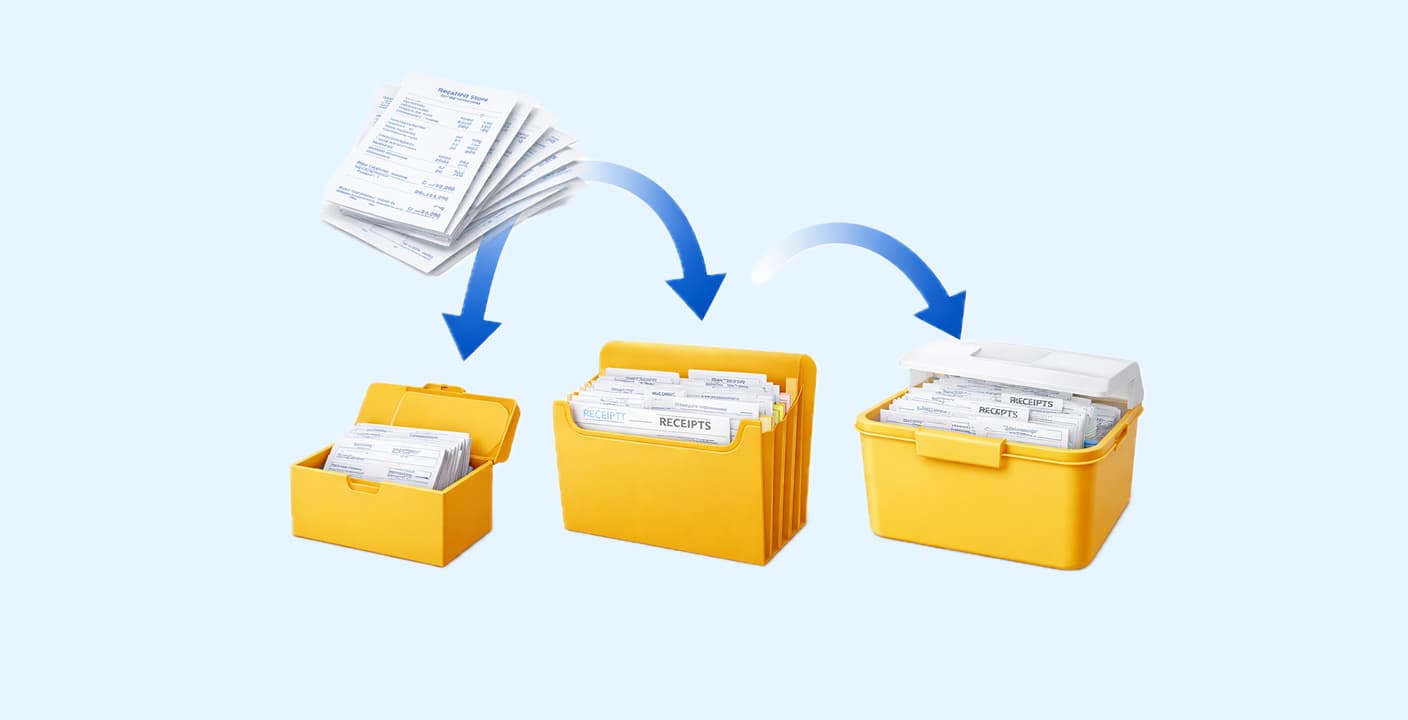
How to Organize Receipts for Business in 2026
A disorganized receipt system costs the average small business owner 40+ hours per year. Here's a proven system you can set up in under an hour.
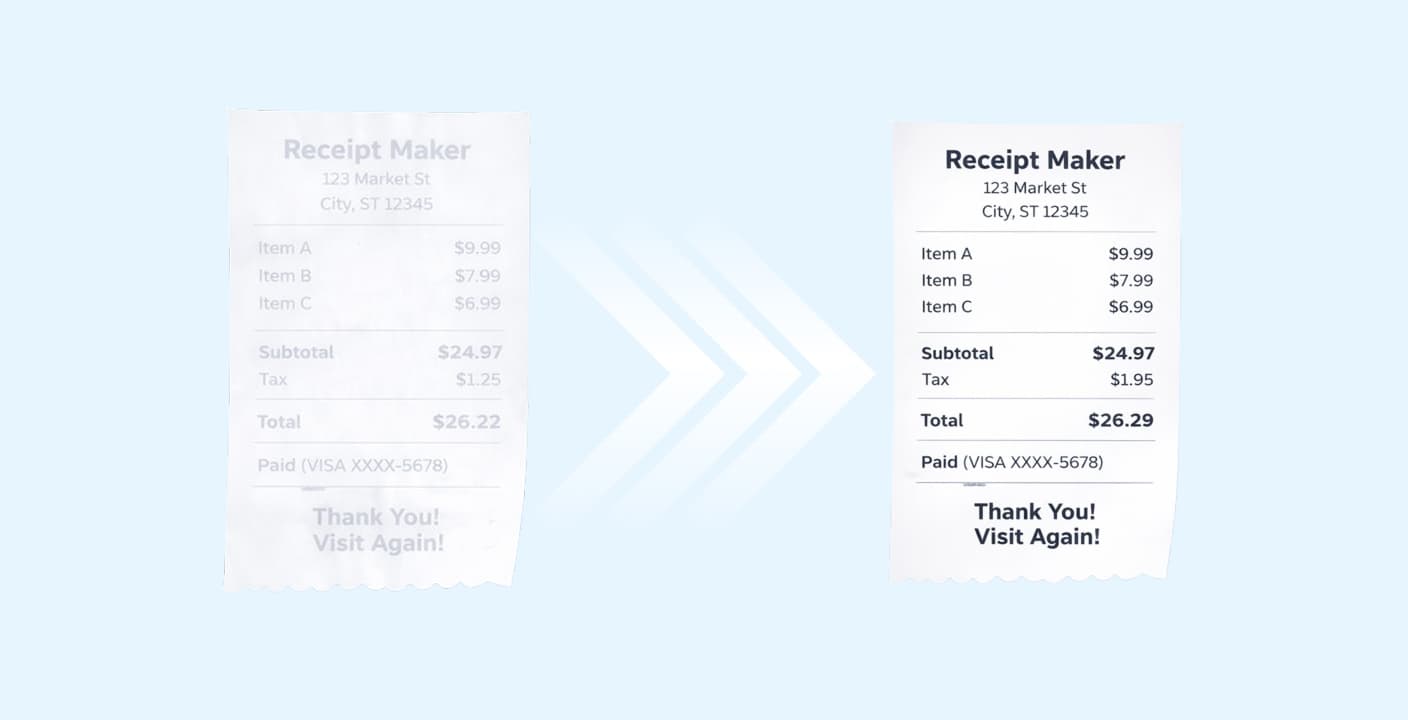
How to Keep Receipts from Fading: A Complete Guide
Thermal receipts can fade completely in months if stored incorrectly. Learn the exact storage conditions and digital backup methods to preserve your receipts for years.