
How to Keep Receipts from Fading: A Complete Guide

Reggie Jacobs
Founder of Receipt Maker & Document Management Expert
Thermal receipts can fade completely in months if stored incorrectly. Learn the exact storage conditions and digital backup methods to preserve your receipts for years.
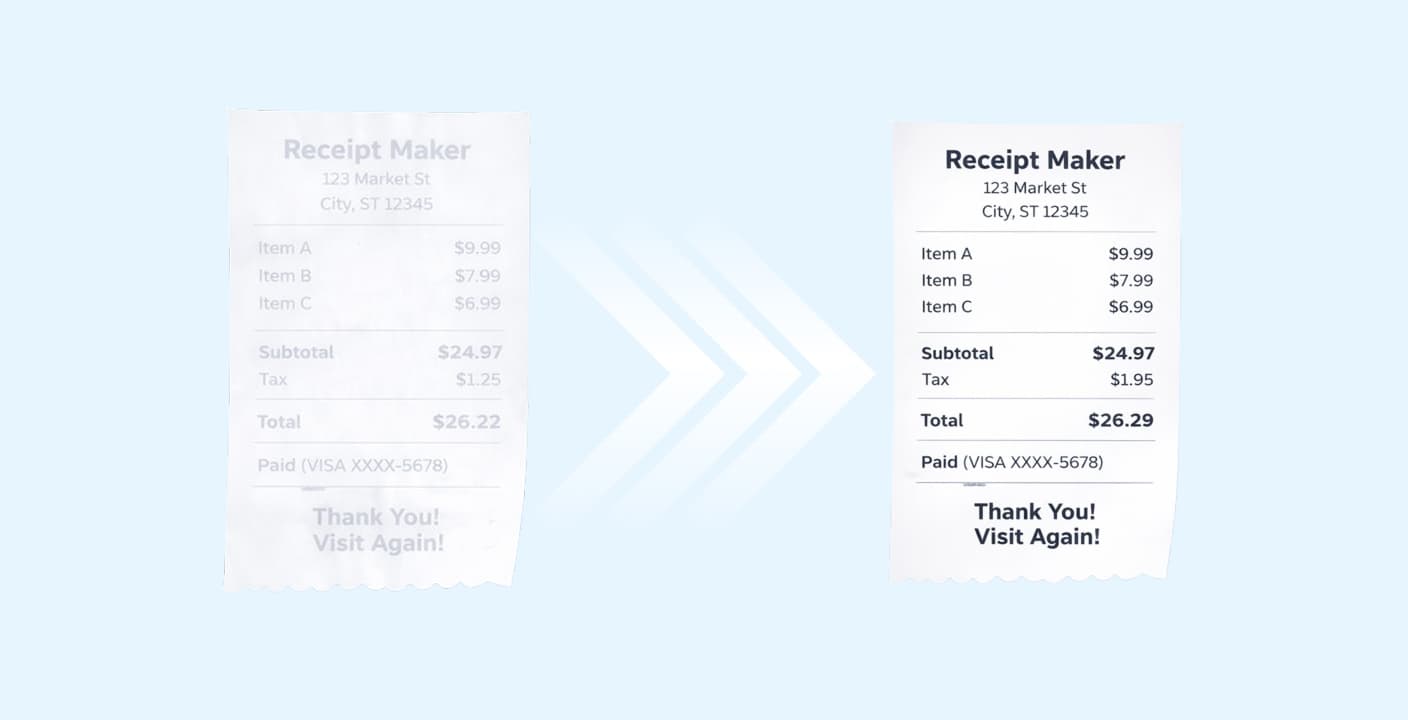
Best Methods to Prevent Fading
The golden rule: Store receipts in a cool, dark, dry place below 77°F (25°C).
- Never put receipts in your pocket - body heat accelerates fading
- Avoid contact with oils, lotions, hand sanitizer, or plasticizers
- Photocopy or scan critical receipts within 24 hours of receiving them
- Use acid-free paper sleeves for long-term physical storage
- Best practice: Go fully digital with receipt generating or storing apps like Receipt Maker
Imagine this scenario. It is tax season. You sit down to organize your expenses and pull out all of receipts from last year. You reach for a critical expense slip worth a few hundred dollars and the paper is blank.
The text has vanished.
This is a common nightmare for business owners and budgeters. Thermal paper is unstable. It is not designed to last forever. If you rely on physical copies for taxes, warranties, or returns, you are taking a risk.
Here is how to stop the fade, protect your records, and even restore text that seems lost.
Why Do Receipts Fade in the First Place?
Most receipts are not printed with ink. They are printed on thermal paper.
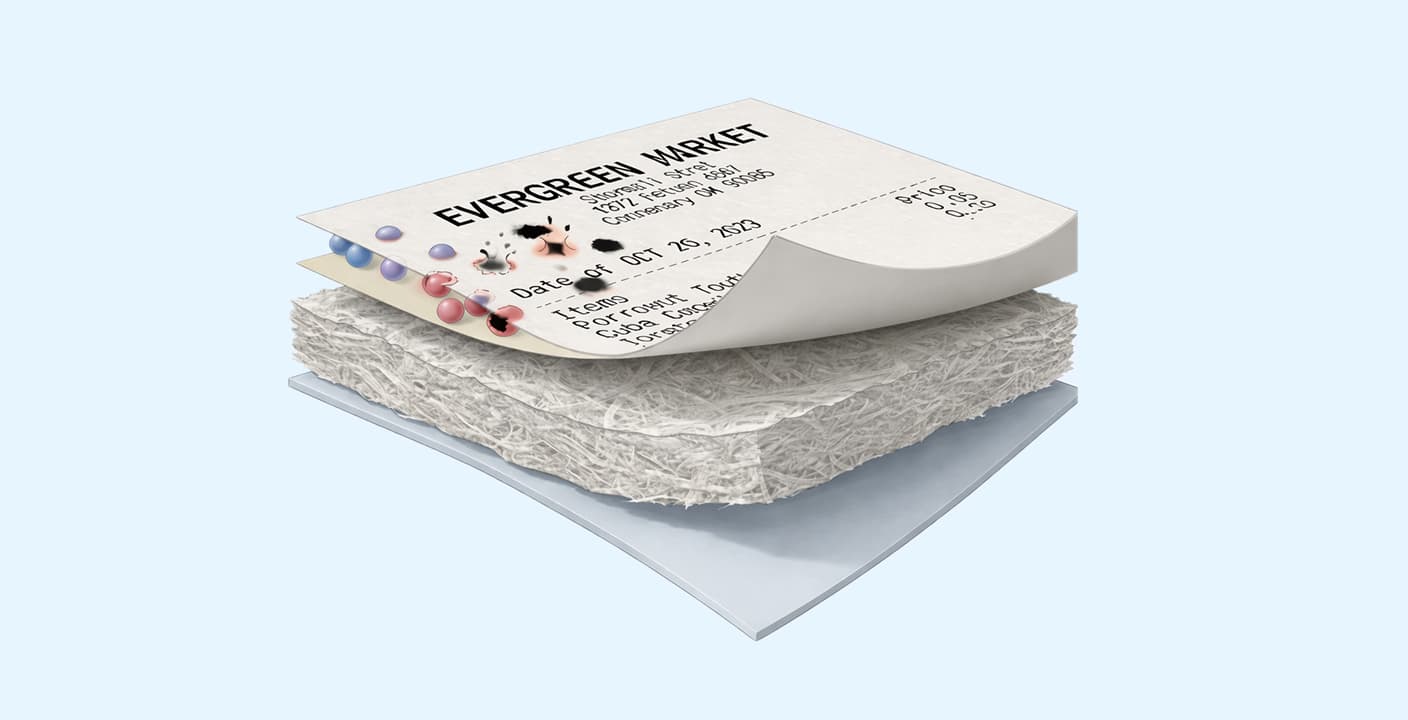
This paper is coated with a chemical mixture that contains dye and a developer. When the printer header applies heat, the chemicals react and turn black. That creates the text you see.
Because the process relies on heat and chemical reactions, the paper remains sensitive long after it leaves the printer. It reacts to its environment. If the paper gets too warm, the whole thing turns black. If it gets exposed to UV light, the chemical bond breaks down and the text disappears.
Understanding this helps us know exactly what to avoid.
Immediate Handling: The First 24 Hours
The damage usually starts the moment the cashier hands you the slip.
Do not put receipts in your pocket. Your body heat acts just like the thermal printer. It accelerates the chemical reaction. Combined with the friction of walking, a receipt in a jeans pocket can become unreadable within hours.
Avoid oil and lotion. The chemicals on thermal paper react poorly to oil. If you have just applied hand lotion or have greasy fingers from lunch, handling the printed side of the receipt can dissolve the image. Hold it by the edges or the non-printed back.
Best Practices for Physical Storage
If you must keep the physical copy, you have to control the environment. Think of a thermal receipt like a vampire. It hates the sun and needs to stay cool.
1. The Right Environment
Store your receipts in a cool, dry, and dark place. A filing cabinet or a desk drawer is ideal. The temperature should remain below 77°F (25°C). Relative humidity should be around 45% to 65%.
If you leave receipts on a car dashboard, they are gone. The sunlight and the greenhouse heat effect in a car will destroy them in a single afternoon.
2. Avoid "The Plastic Trap"
This is the most common mistake people make.
Do not store thermal receipts in plastic sleeves, sheet protectors, or cheap photo albums. Many of these plastics contain PVC or release plasticizers. These chemical vapors interact with the thermal coating and cause the text to fade rapidly.
If you want to use sleeves, ensure they are made of polypropylene or are explicitly labeled "archival safe."
3. The Tape Warning
Never put clear tape over the text of a receipt.
The adhesive in clear tape contains chemicals that react with the thermal coating. If you tape a receipt to a piece of paper for a specialized report, the text under the tape will vanish within days.
If you must tape it, only apply tape to the blank edges or the back of the receipt.
The Gold Standard: Digitize Immediately
The only way to guarantee a receipt lasts forever is to get it off the paper.
Physical storage is a losing battle. Even in perfect conditions, thermal paper has a lifespan of only a few years. For long-term records, you must create a digital copy.
This is also how to organize receipts for business effectively.
- Take a photo immediately: Use your phone camera right when you get the receipt.
- Use a scanning app: Apps like Google Drive, Evernote, or specialized expense trackers can scan and use OCR (Optical Character Recognition) to make the text searchable.
- Email it to yourself: Many vendors offer email receipts. Always choose this option. It saves paper and never fades.
Once the receipt is digital, the physical fade does not matter. The IRS and most tax authorities accept digital copies as valid proof of purchase.
How to Restore Faded Receipts
If you are reading this too late and your receipt is already illegible, do not panic. You might be able to bring it back.
The Scan and Edit Method
Sometimes the text is still there, but your eye cannot see it.
- Scan the receipt at a high resolution.
- Open the image in a photo editor.
- Lower the brightness and crank up the contrast.
- Adjust the "levels" or curves to darken the faintest grays.
Often, a "blank" receipt still has a ghost image that digital processing can reveal.
The Heat Method
This sounds counterintuitive, but it works.
The text on a receipt is white space where the paper didn't turn black, or black space where it did. Sometimes, gently heating the paper from a distance can darken the background while leaving the original text slightly lighter (or a different shade).
You can use a hair dryer on a low setting or hold the receipt near a lightbulb. Be extremely careful. If you get too close, the whole paper turns black instantly.
Warning: Try this on a less important receipt first to get the hang of it.
Summary
Keeping receipts readable is about fighting chemistry. The thermal coating is volatile. To win, you need to reduce heat, block light, and avoid chemical reactions with plastics or glues.
Key Takeaways:
- Don't use pockets, plastic sleeves, or clear tape over text.
- Do store in cool, dark, dry places.
- Do digitize immediately. It is the only fail-safe method.
If you run a business, move to a digital system today. It protects you from audits and saves you the headache of squinting at blank slips of paper.
Frequently Asked Questions
Can I use a highlighter on receipts? No. Most highlighters contain solvents that react with the thermal coating. The highlighted text will often vanish or turn completely black. Use a ballpoint pen to circle items instead.
Does putting a receipt in the freezer help? Not really. While cold is better than heat, freezers have high humidity. The moisture can damage the paper structure or cause ink to run if it wasn't printed thermally. A dark desk drawer is better.
How long does thermal paper last? Standard thermal paper lasts about 3 to 5 years in ideal conditions. High-quality archival thermal paper can last 10 to 20 years, but most grocery stores and gas stations use the cheap stuff.
Will photocopying the receipt prevent fading? Yes. A photocopy uses toner or ink, not thermal coating. If you photocopy a receipt onto standard office paper, that copy will last as long as normal documents. This is a great backup if you don't want to use digital apps.
Related Articles
What Is Receipt Paper Made Of? (And Why It Fades)
Understanding what's in receipt paper helps you handle them safely.
How to Organize Receipts for Business in 2026
A disorganized receipt system costs the average small business owner 40+ hours per year. Here's a proven system you can set up in under an hour.